iSLCollective

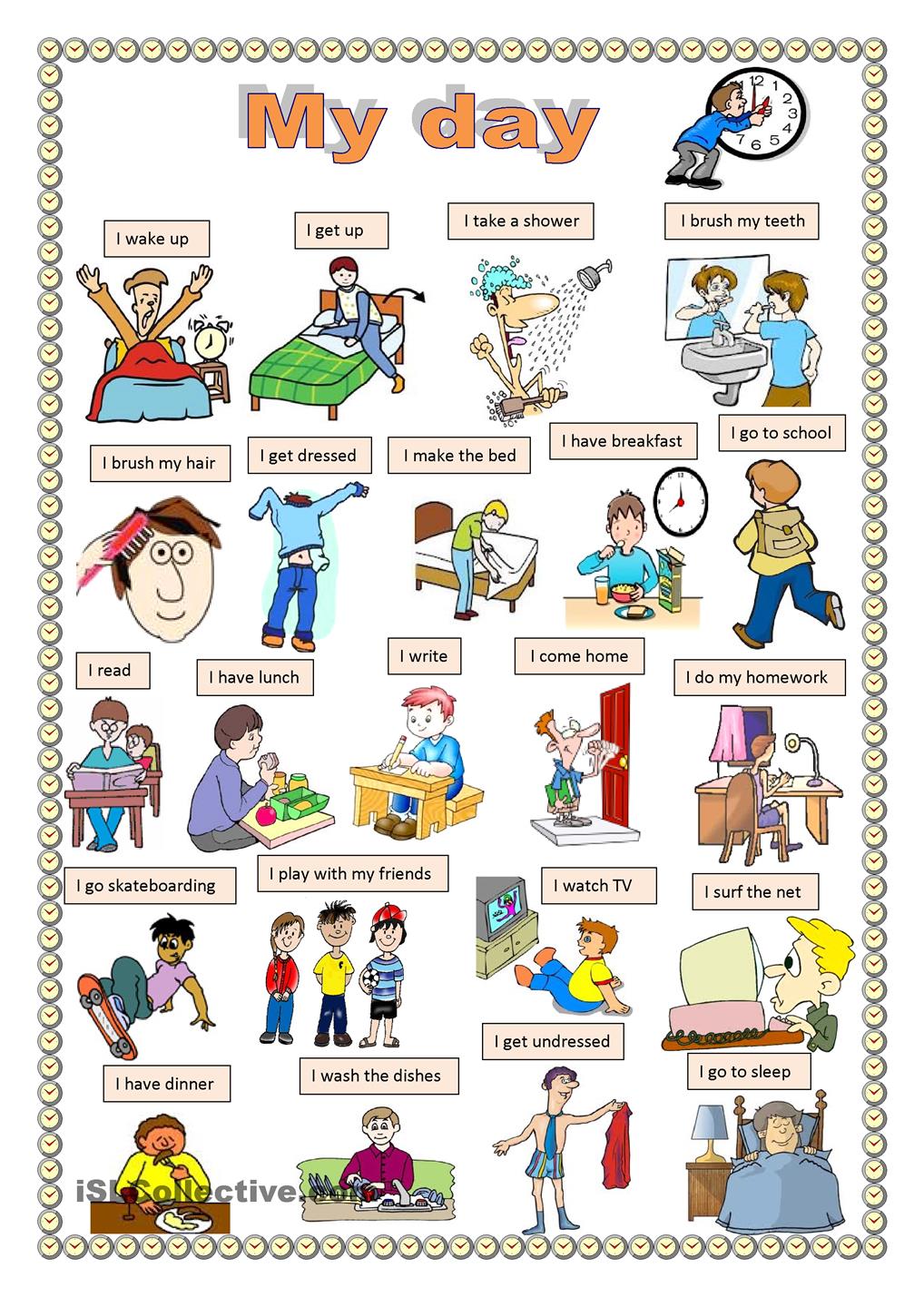
iSLCollective (Internet Second Language Collective) is a website where you can find useful resources. You must register in order to download the handouts, but it’s for free. For example, this is a poster on daily activities:

My day

Image source

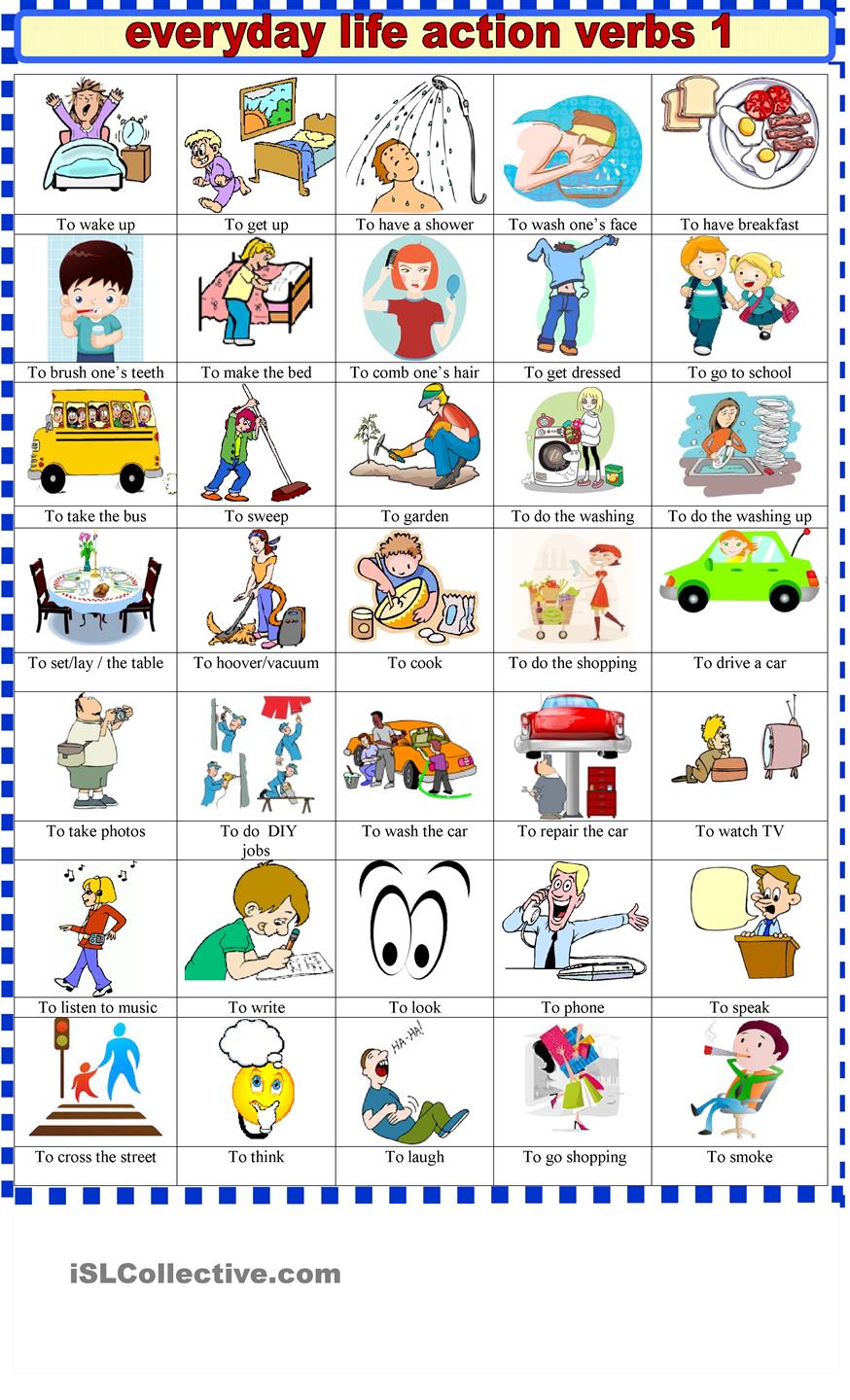
This one is on action verbs:

action verbs

Image source

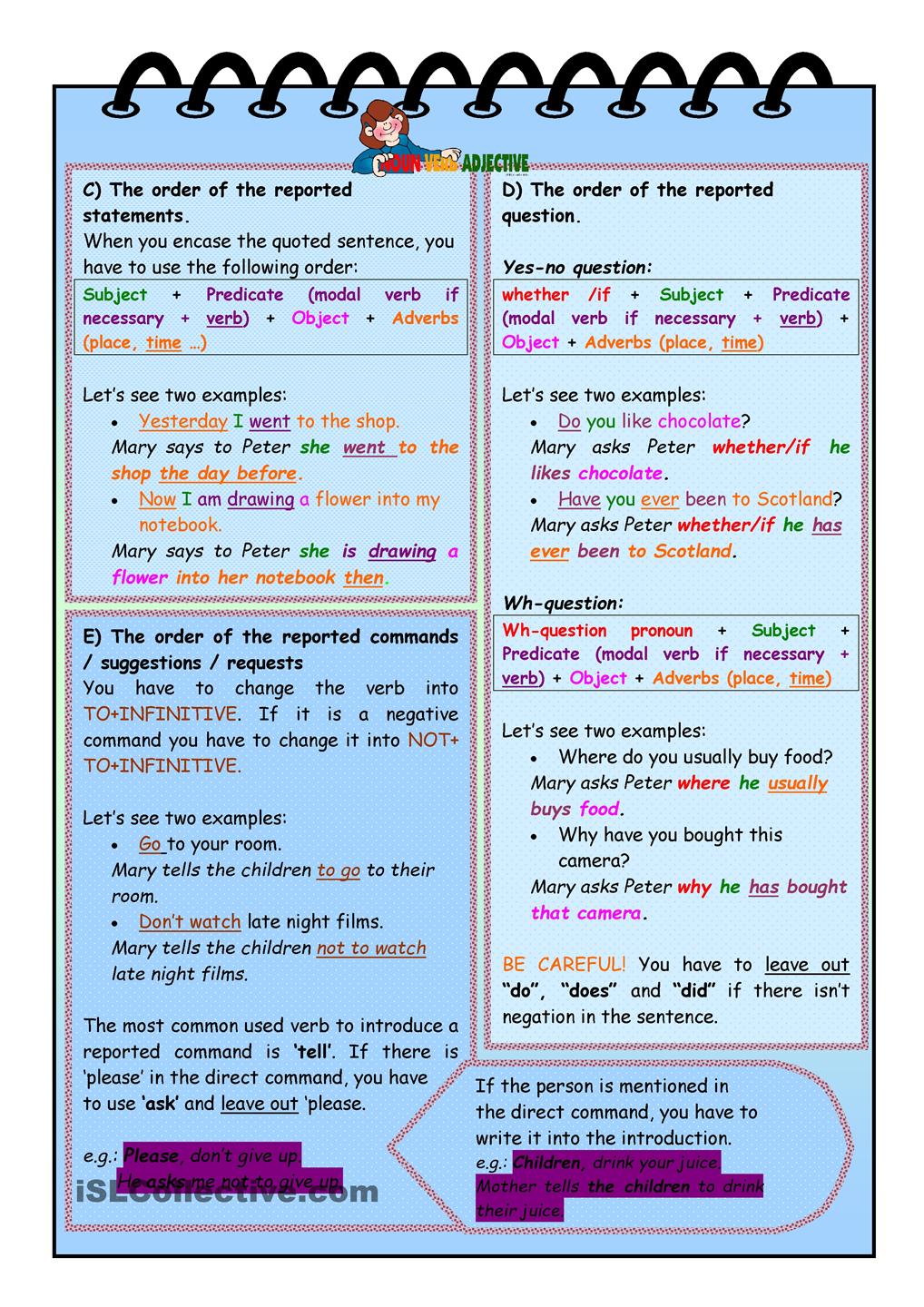
This one is on Indirect/Reported Speech:

Reported speech1

Reported Speech 2

Image source

On this website, you can also find this kind of printable handouts:

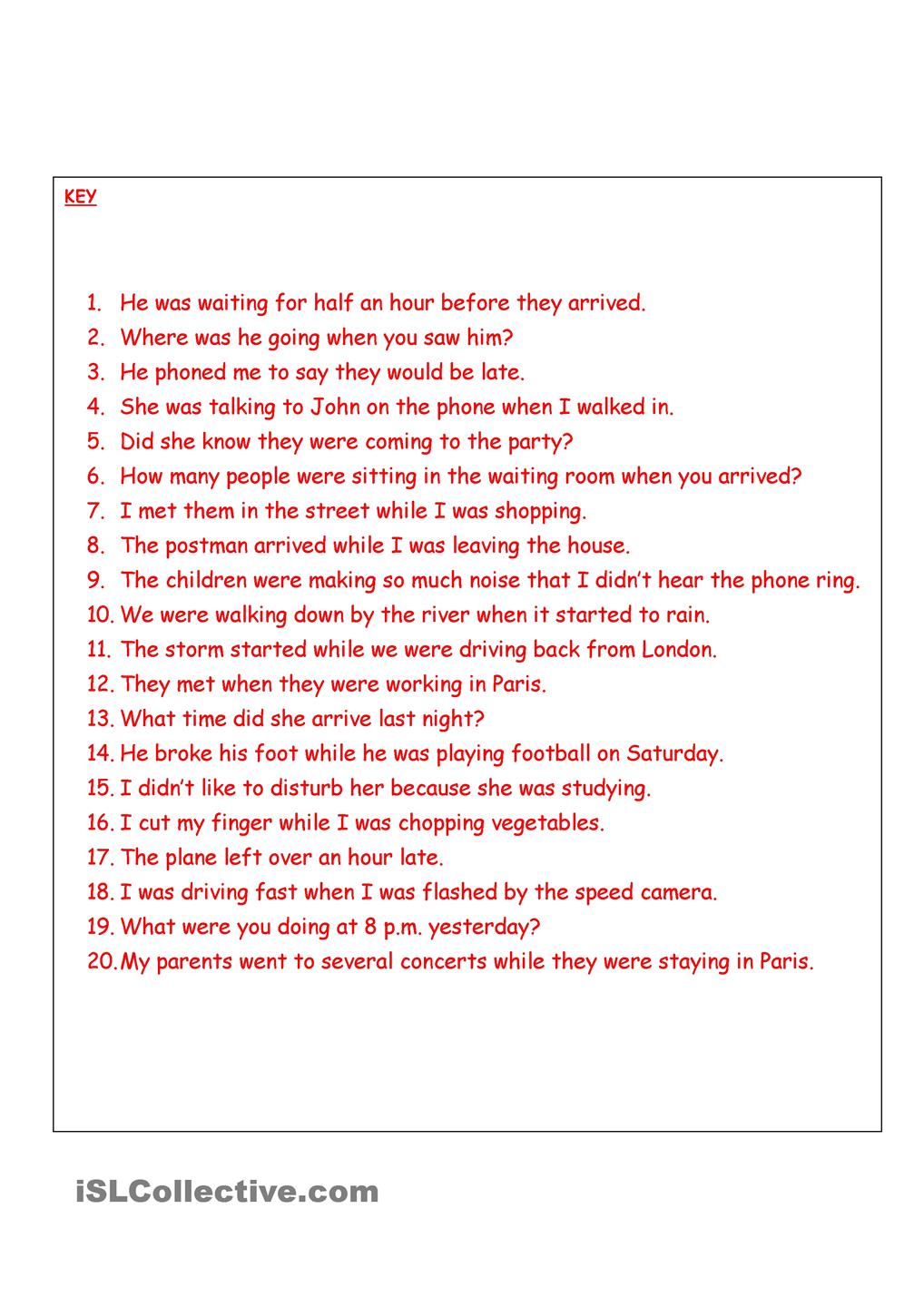
Worksheet on Past Simple vs Continuous Correct answers worksheet past simple vs continuous

Image source

As you can see, there are grammar rules for a quick review, then exercises with answer keys.

Elanguest YouTube Channel

Elanguest has a fantastic YouTube channel where you can find a variety of videos with subtitles.

For instance, this is a video on English vocabulary (topic: hotel). It is perfect for those who are willing to review their vocabulary before going on holidays abroad. In this video, you can read, see, and hear all the most common words related to this topic:

Another video that could come in handy is on shopping vocabulary:

Elanguest’s videos are not only related to English vocabulary. For example, this one is on Active and Passive forms and their uses in English (Grammar):

The topic of the following video is Present simple/continuous:

Learn English Through Stories

I found this channel on YouTube which I think could be extremely useful for beginners and intermediate students.
Besides, you have subtitles on each video which is great ;-).

This is a Level 1 video on London:


This is the channel’s link: Stories To Learn English

This is Beauty and the Beast (Level 1):

For more advanced English students, this is a Level 6 video. Pride and Prejudice:

Boost your vocabulary with translation in context

Some advice for you, before talking about translation in context and online corpus.
1. If you are learning English and you want to boost your vocabulary, I suggest that you write down every day all the new words you’ve learned. By doing so, it will be easier for you to quickly review all of them. If you don’t want to write them down, just use an online tool like Memrise (with this “tool” you can make quizzes with the words/sentences/expressions you want to learn) or Anki (if you want to make flashcards).
2. You should review every evening/morning all the words you’ve learned that day or the previous one. Then, on the weekend, you should review what you’ve learned during the week, and so on.

In my opinion, if you write only a list of terms, it won’t be possible for you to memorize them. You need to learn that term through context, with an example sentence. It’s way easier to remember a word meaning through context than by itself. Context is at the foundation of vocabulary acquisition.
Online there is a variety of free tools which you can use (ex. ReversoLinguee, or Glosbe). Remember that words rarely have just one meaning, so it will be frustrating for you to learn words from a list if you don’t write an example sentence for each one of them. What you need to do, if you haven’t done it yet, is to use words you want to learn in context. You need to write down the term and an example sentence.
It’s not just about remembering a word. You must be sure when you use a word that you are doing it right. Maybe you learned a word out of context and you are not sure about how and when to use it. In this case, translation in context would really help you. What you need to learn is how native people use the language; how they use the word you want to learn. It’s not just about grammar. You can say something that is grammatically correct, but are you sure that a native speaker would use the same term? Check it up! You need to learn which option is more common in speaking and which one is more common in writing. 

Practical examples:

REVERSO
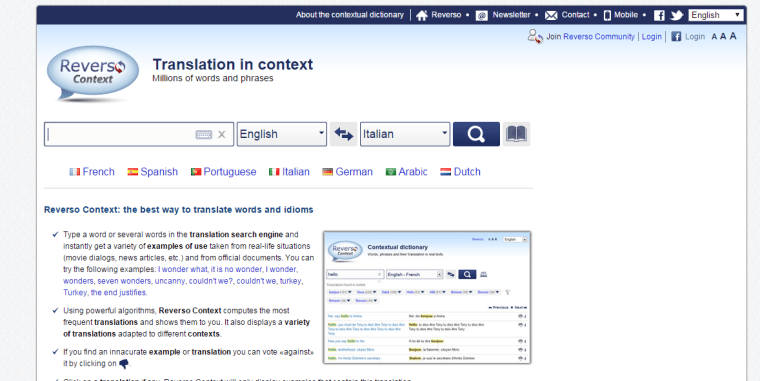
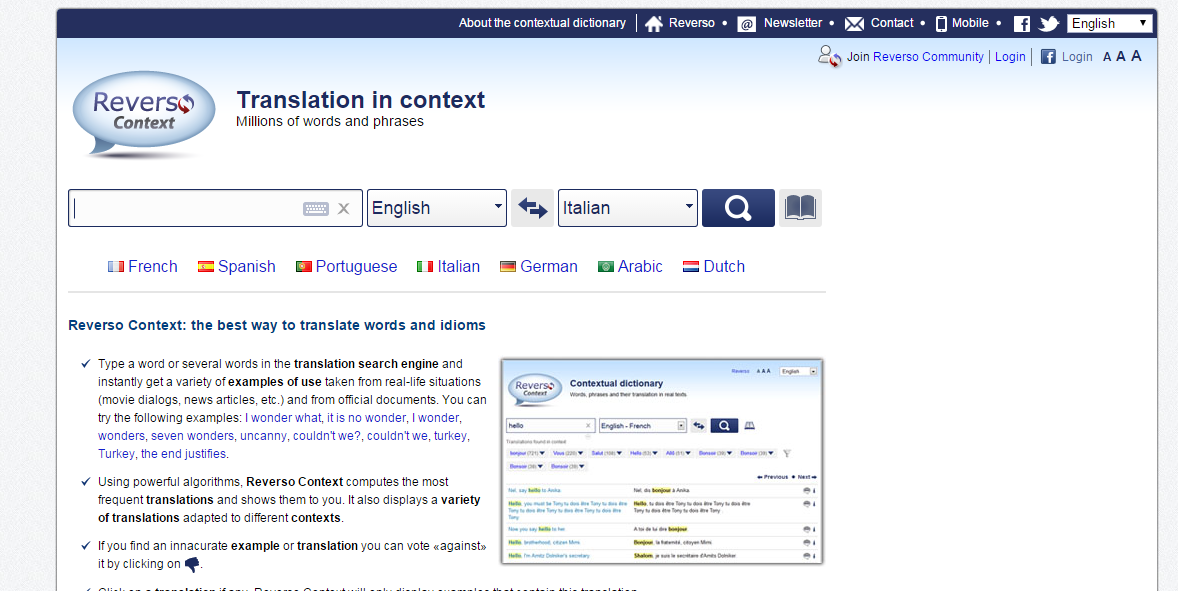
Reverso_home_page
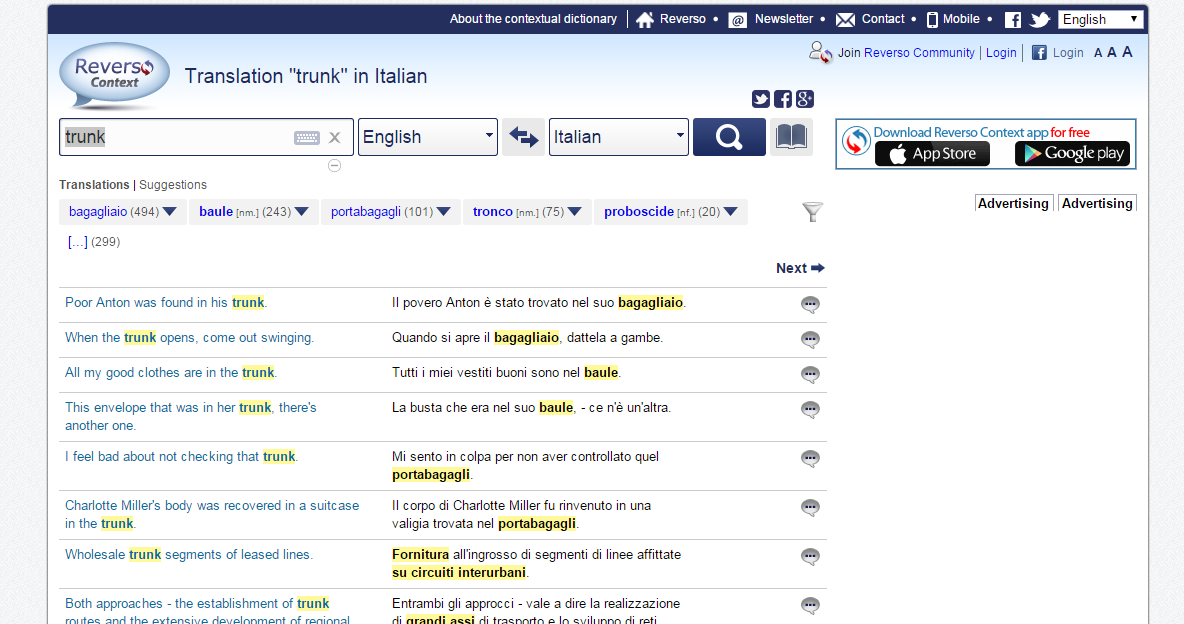
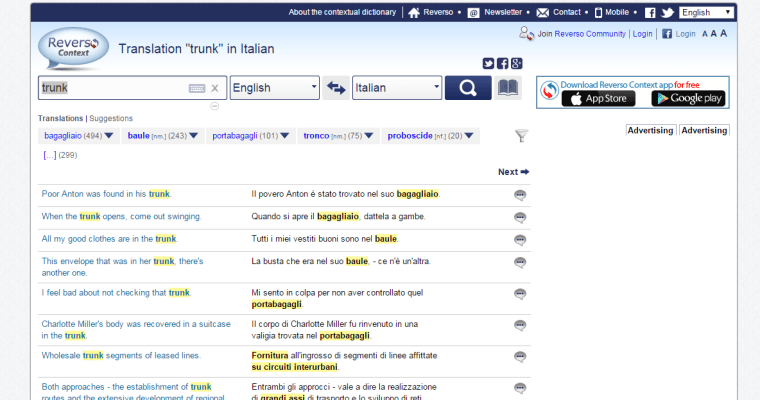
If you search “trunk” (English-Italian), this appears on your screen:
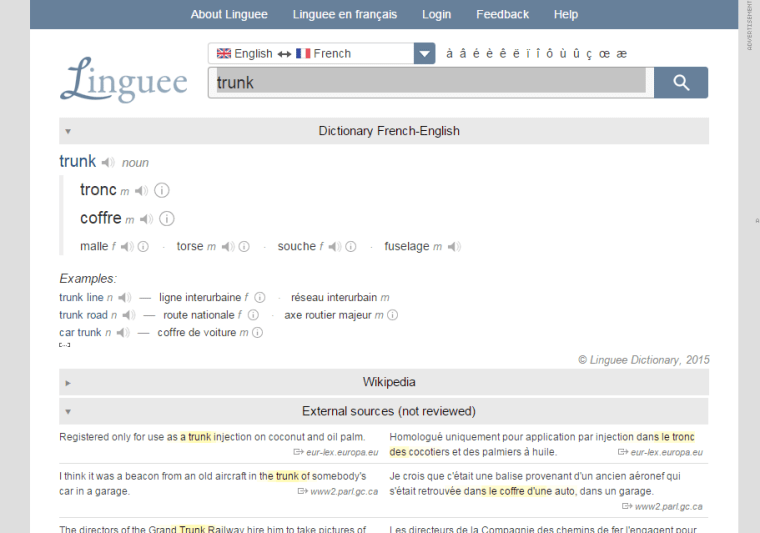
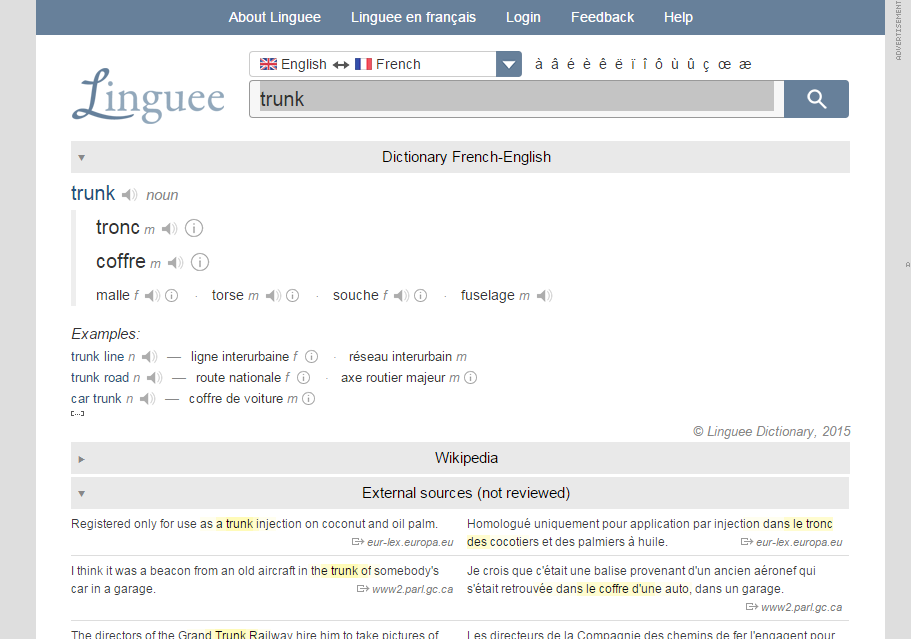
Trunk_-_Reverso_-_Eng-ItaLINGUEE (“trunk” English-French)
trunk_-_french_-_linguee

GLOSBE

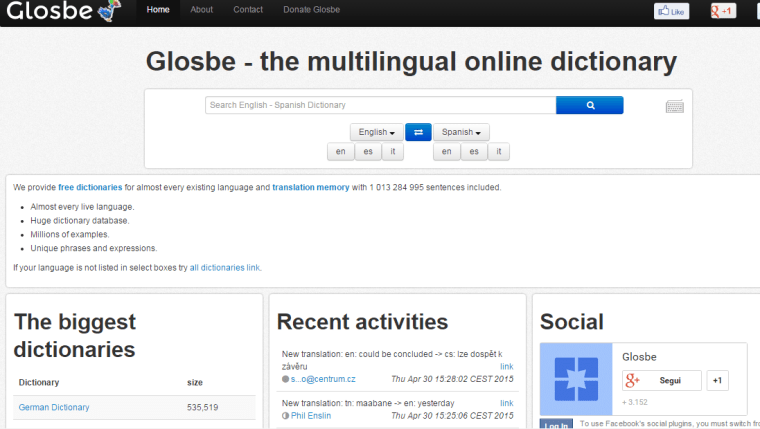
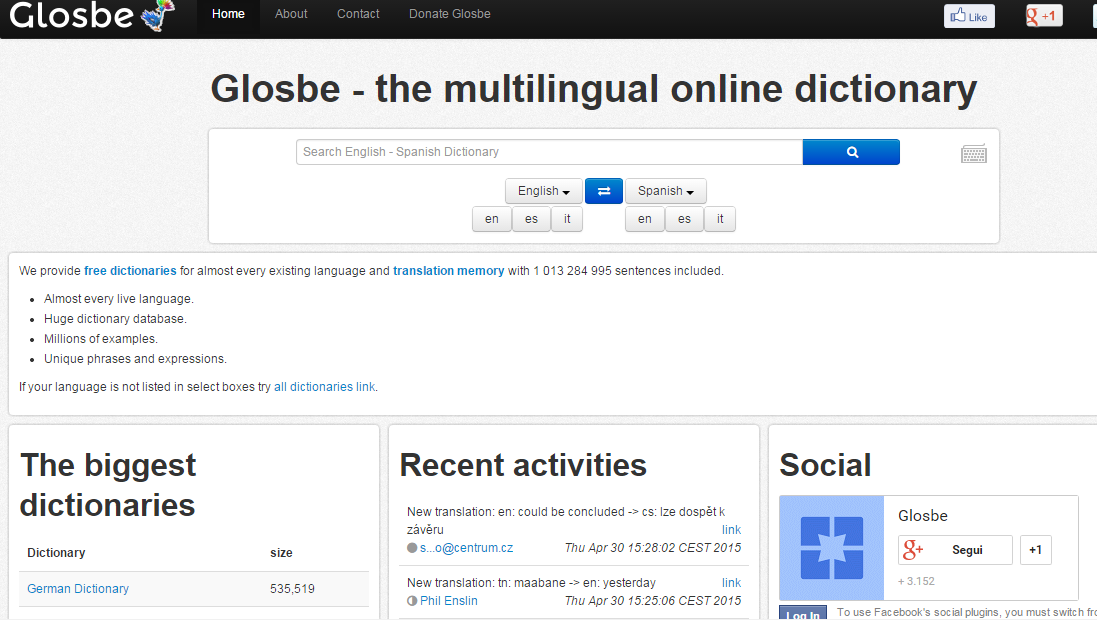
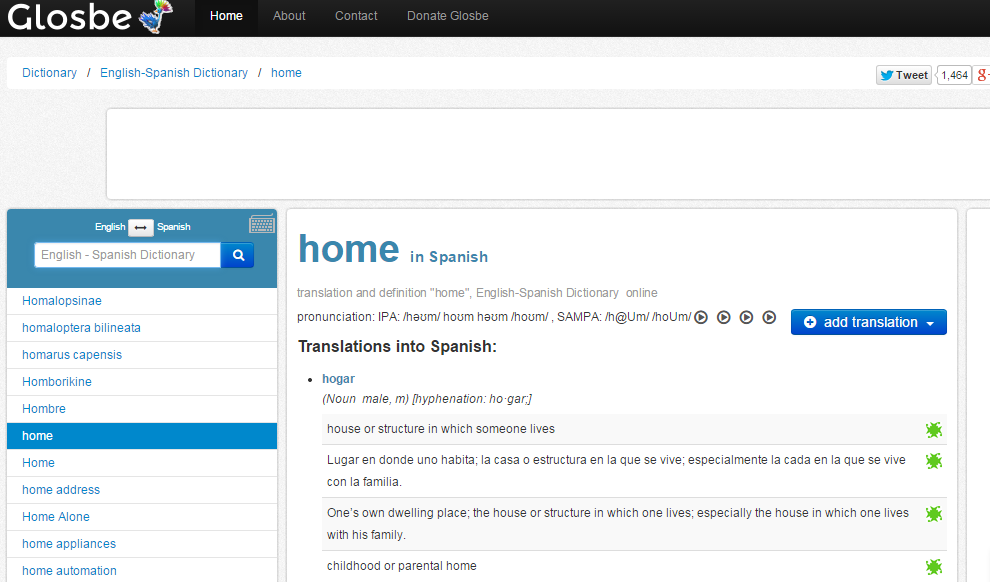
Glosbe_homepageThis time, I chose the English-Spanish dictionary, and I looked for the term “home”:
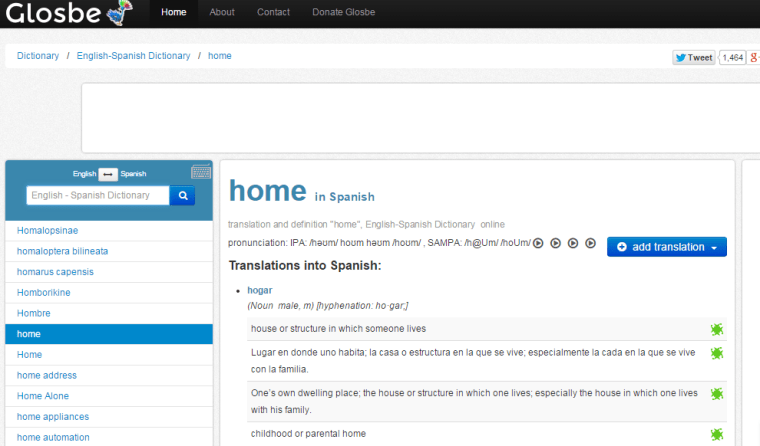
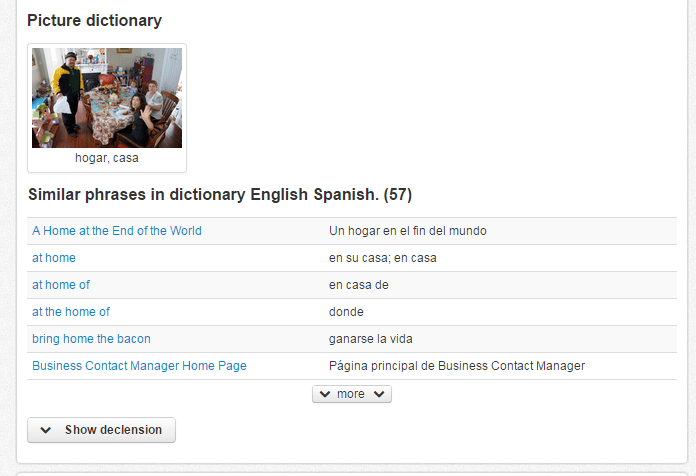
home_-_spanish_-_glosbeGlosbe has also a picture dictionary:
glosbe_-_home
Scrolling down a little bit, you can find this:
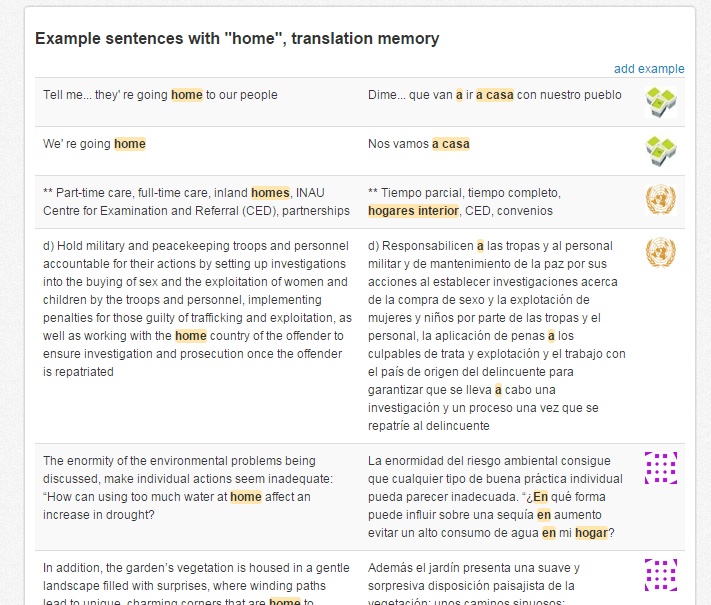
Example_sentences_with_home_glosbe

For Intermediate students, another way to learn English terms is by using the online corpus.
BRITISH NATIONAL CORPUS
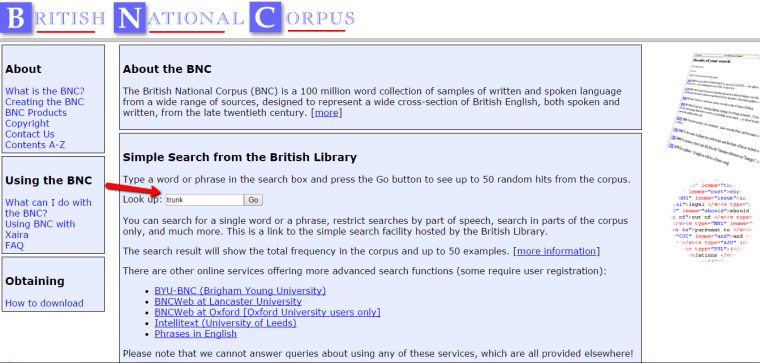
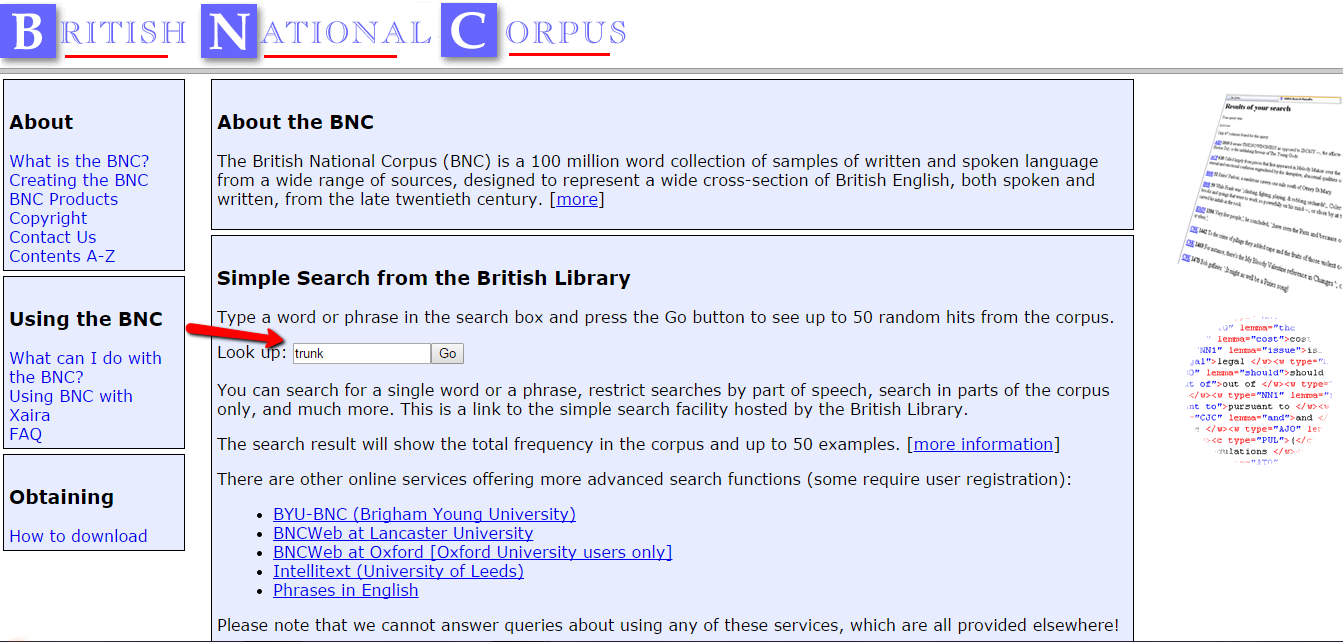
Home_page_British_National_Corpus
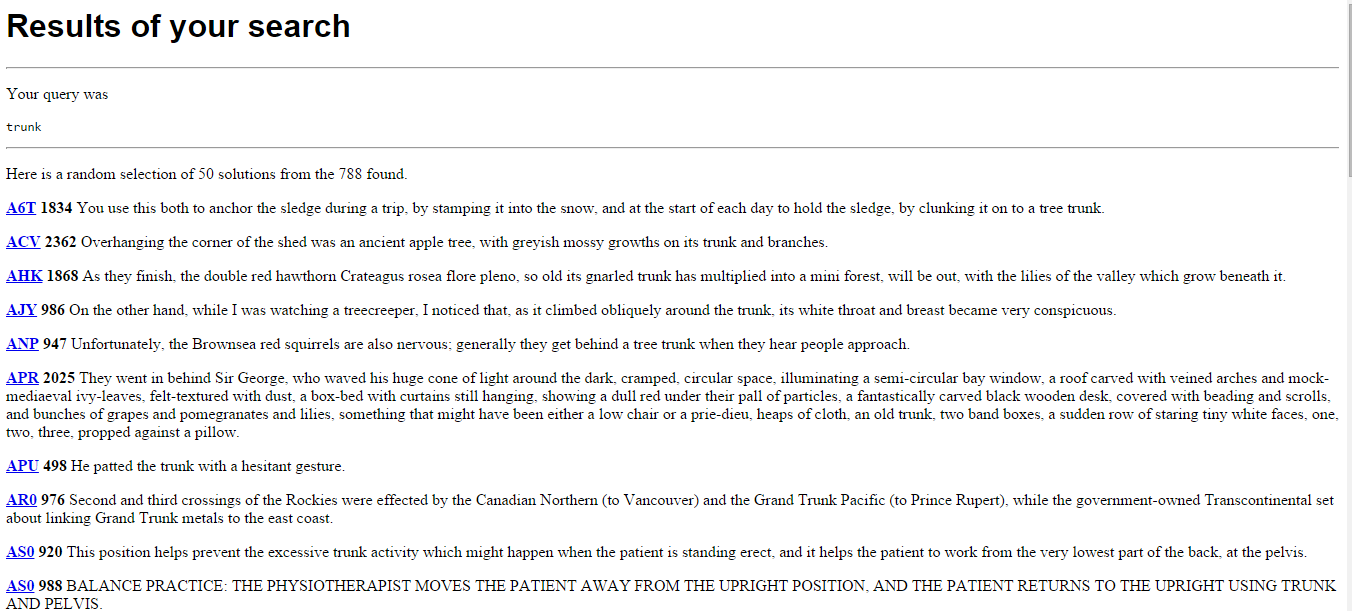
As you can see, I looked up the word “trunk” (once again 😉 ). This is what I found out about it with this tool:
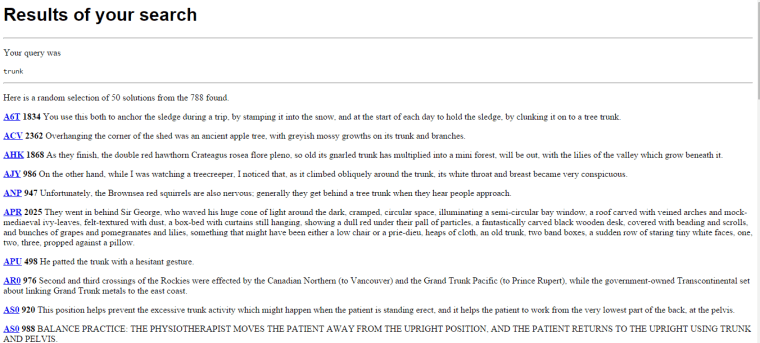
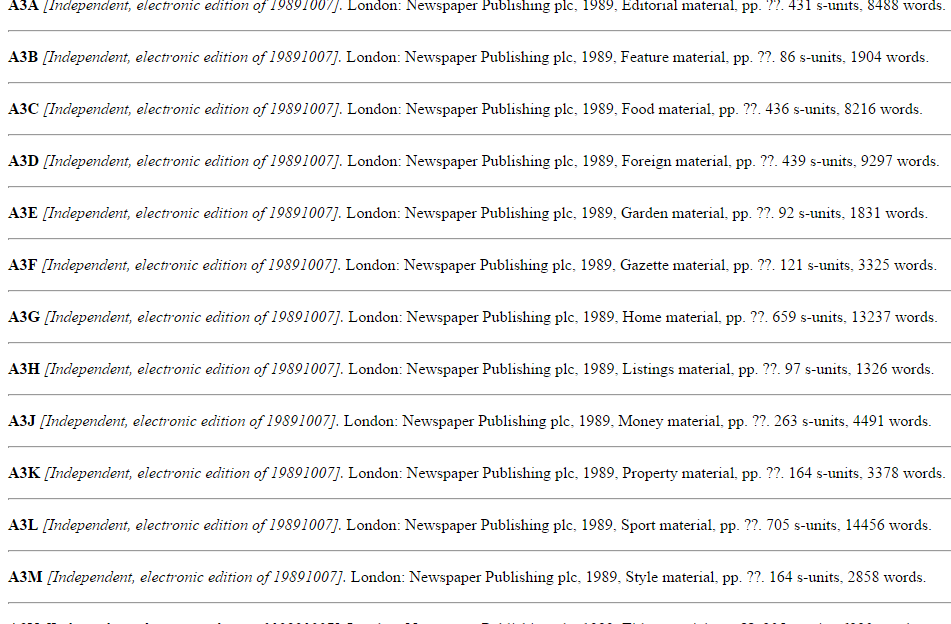
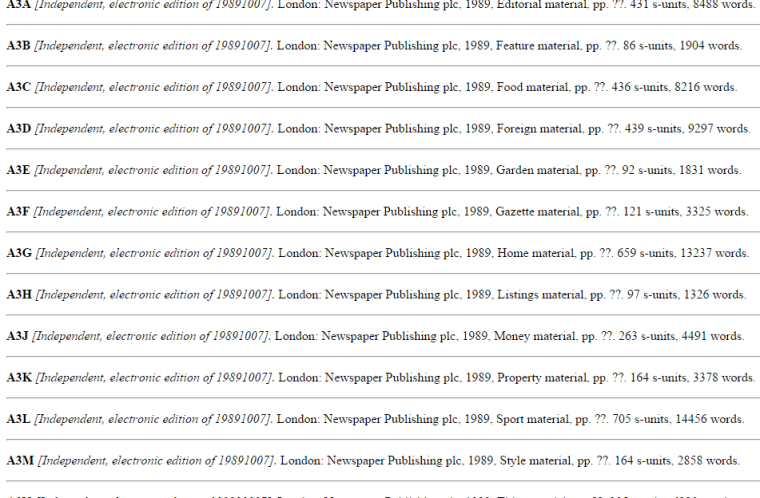
Trunk_-_bnc.bl.ukAs you can see, I found a lot of example sentences. By clicking on the words written in blue, you can find out where the sentence is from.
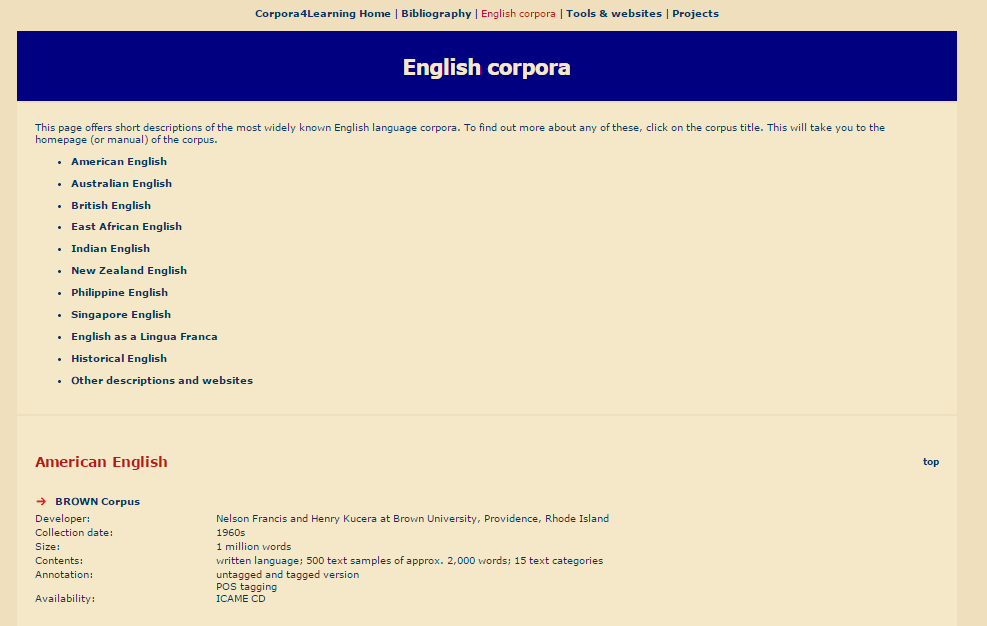
bncI found out about British National Corpus here: CORPORA4LEARNING
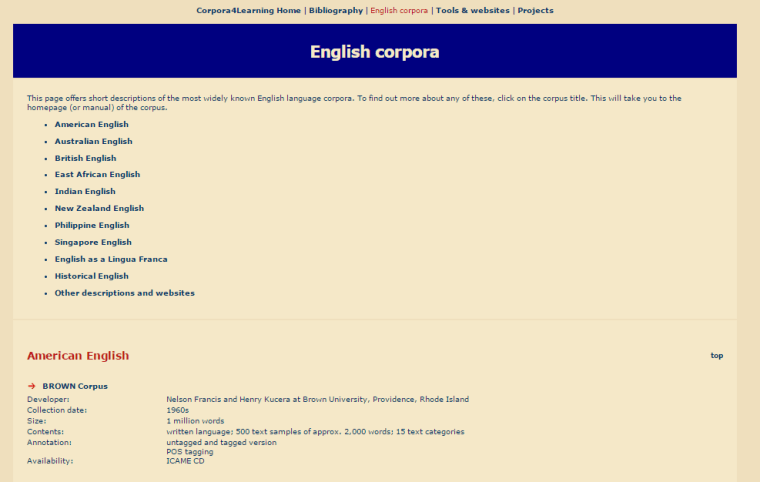
www.corpora4learning.net

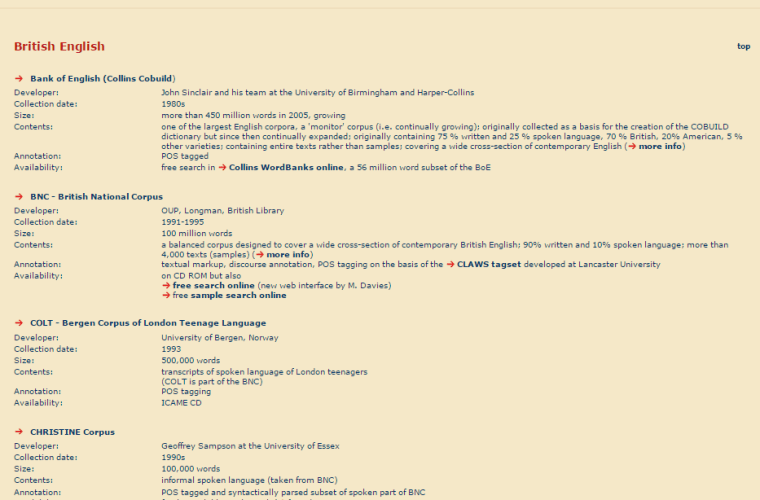
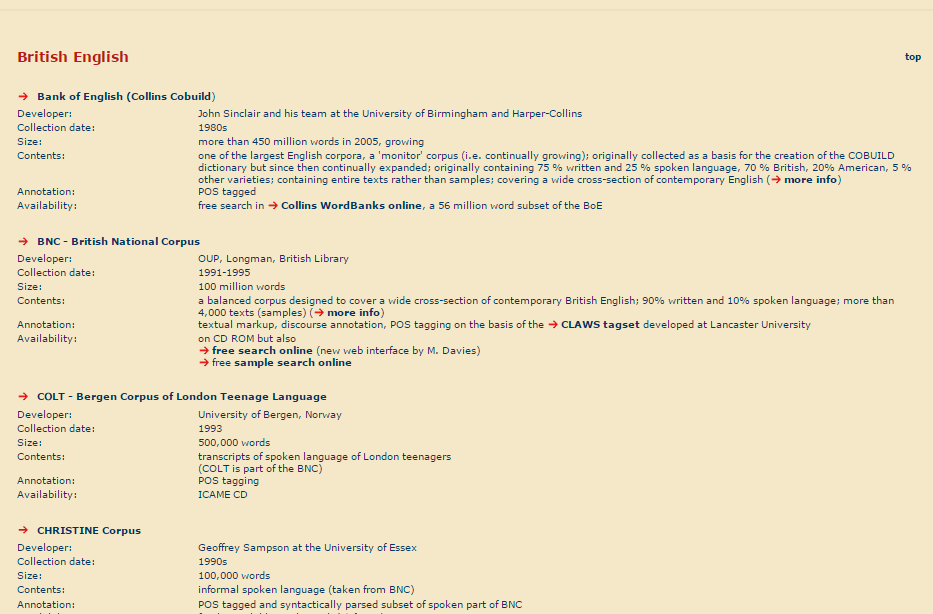
Selecting “British English”:

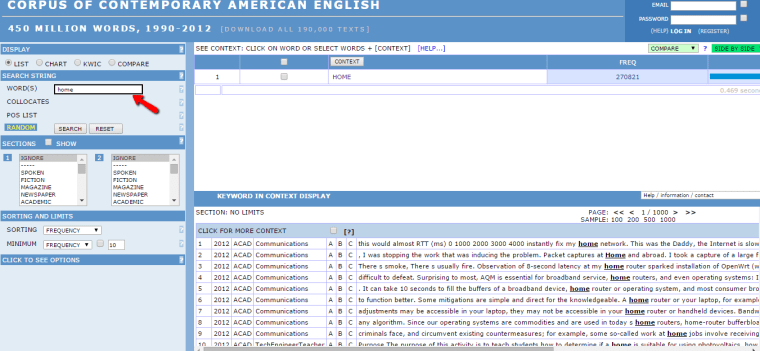
Brithish_English_-_corpora4learning.netOf course, in the same website you can choose another corpus, like the Corpus of Contemporary American English.
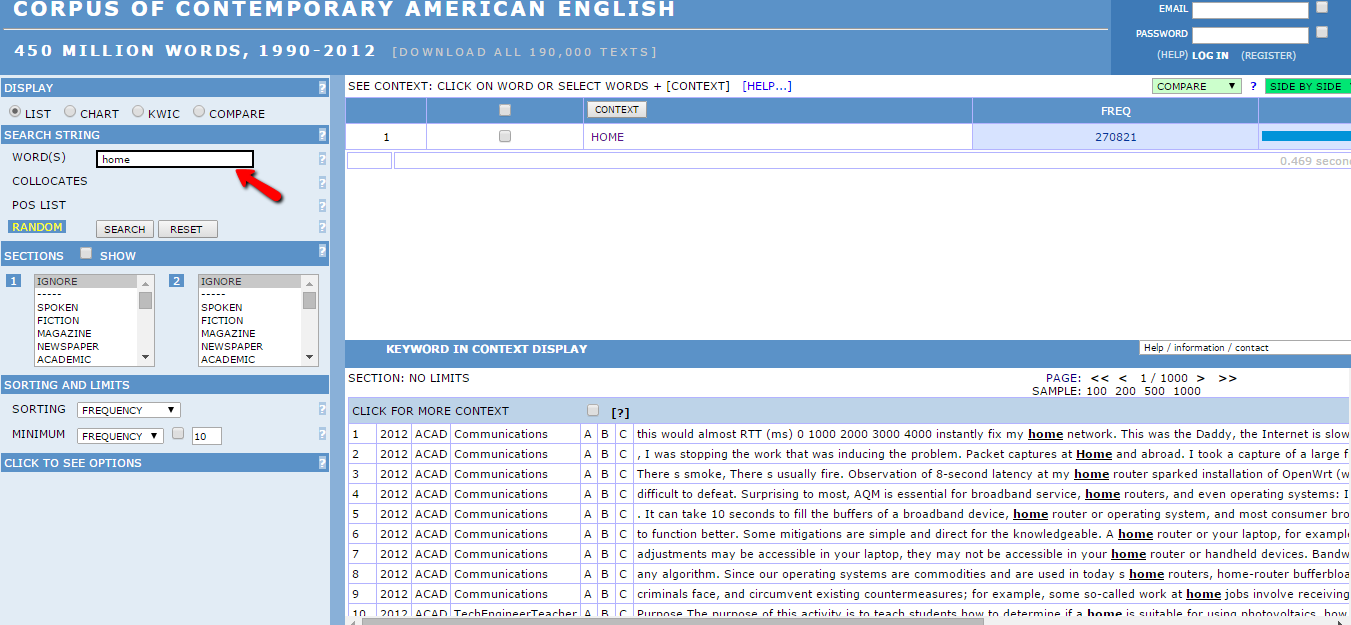
You are allowed to select a filter (ex. spoken/fiction/newspaper/academic) which is amazing if you need to know if a word is used in a particular context. If you search “home”:
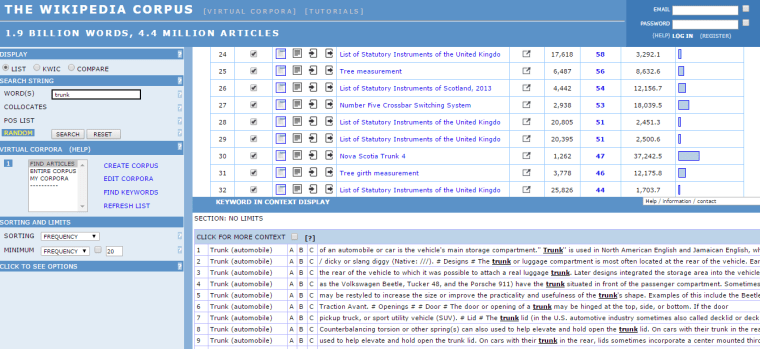
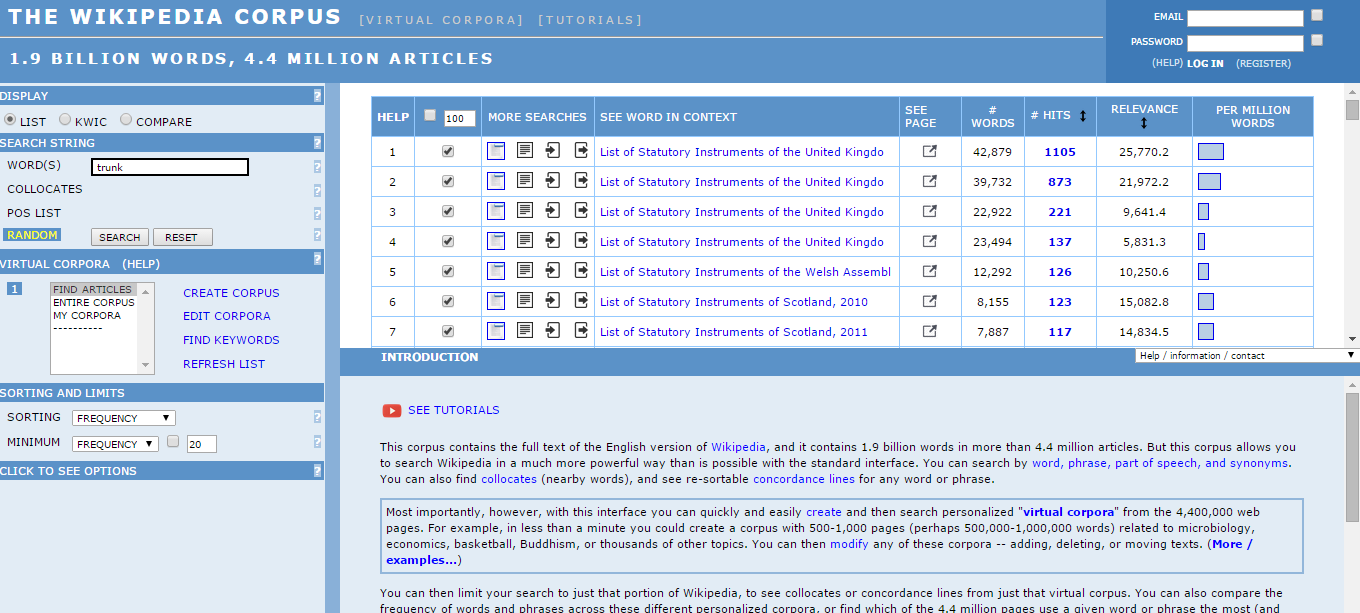
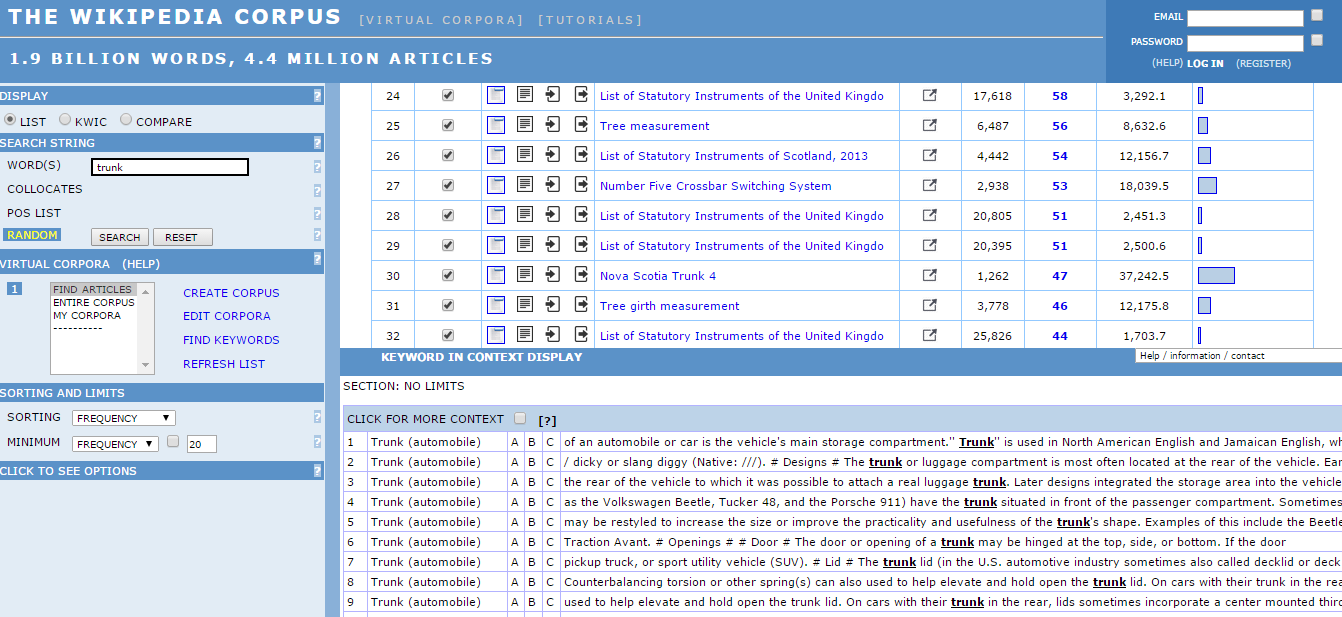
Corpus_of_contemporary_AEWikipedia has an online corpus too: http://corpus.byu.edu/wiki/.
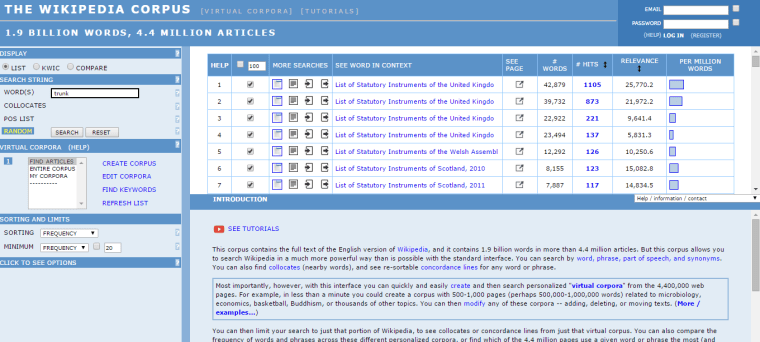
The_wikipedia_corpus_-_trunktrunk_-_2_-_tha_wikipedia_corpus

Slideshare

Slideshare is a community that allows people to upload and share slides and other resources. Its aim is to share knowledge online.

For example, this is a presentation on plural nouns in English:

This is a book on phrasal verbs in context:

This one could help you improve your vocabulary:

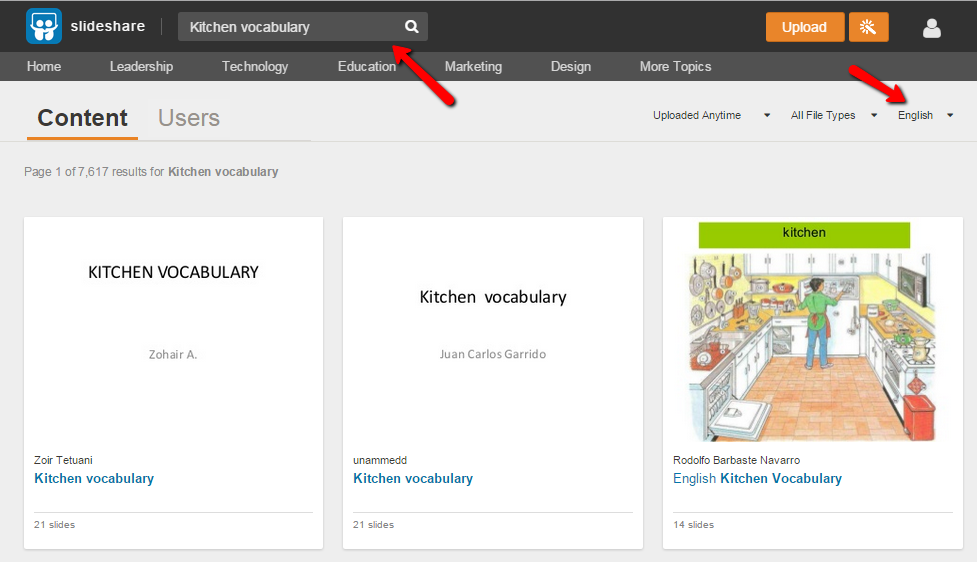
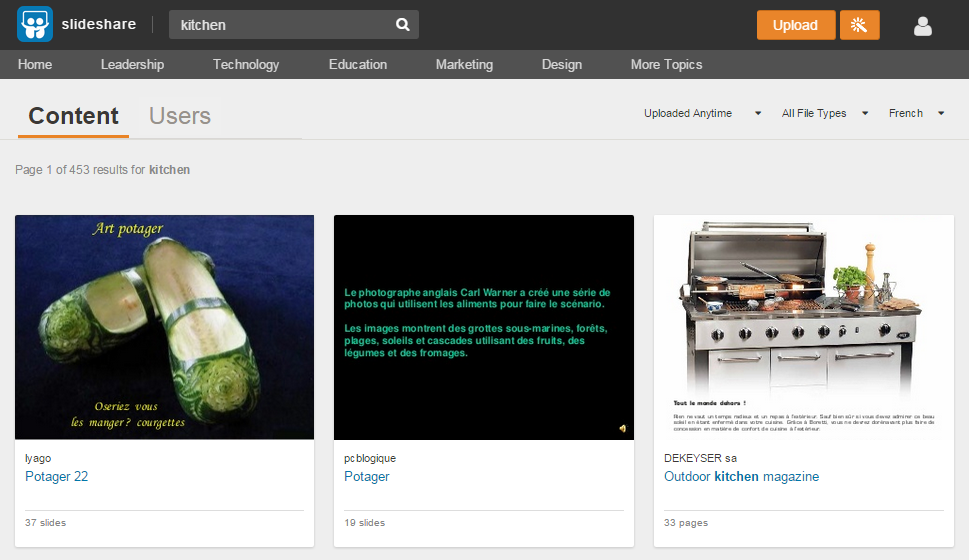
This is how it looks when you search for a topic:
Slideshare
First of all, you have to write the topic you are interested in (on the top), then you can click on the search icon. The image above shows you how it will appear on your screen. After you’ve clicked on the “search” button, you can change the language (look at the red arrow on the right). Thanks to this option, you will be able to find resources not only in English but also in other languages.

For example, choosing French, instead of English, this is what’ll appear on your screen:
slideshare_french

SpellCheckPlus and Grammarly

SpellCheckPlus and Grammarly are two tools I recommend you if you want to improve your writing skills or just to avoid typos (typographical errors) or grammar mistakes.

They’re both available online for free and they both have a Premium version (not free and with more useful features).

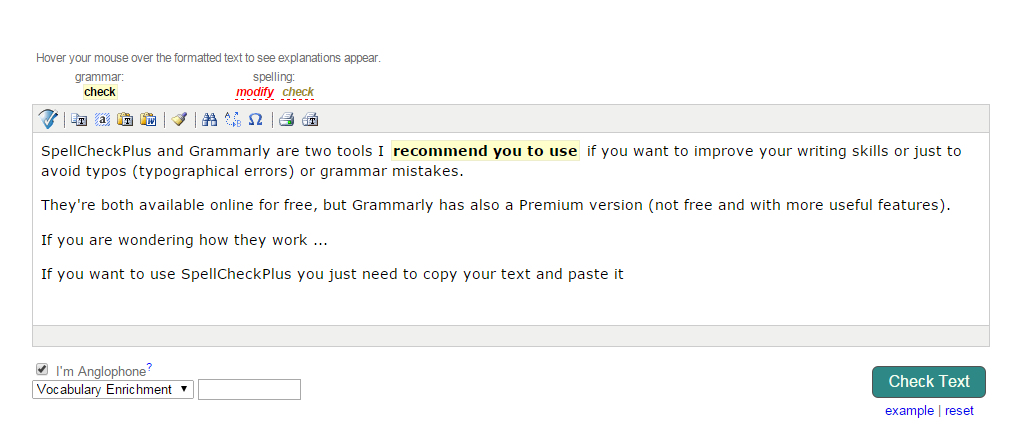
If you want to use SpellCheckPlus you just need to copy your text and paste it. This tool will give you a feedback for possible corrections (it’s intended to be a teaching tool).

SpellCheckPlus

This is how it will appear you when you’ll copy your text:

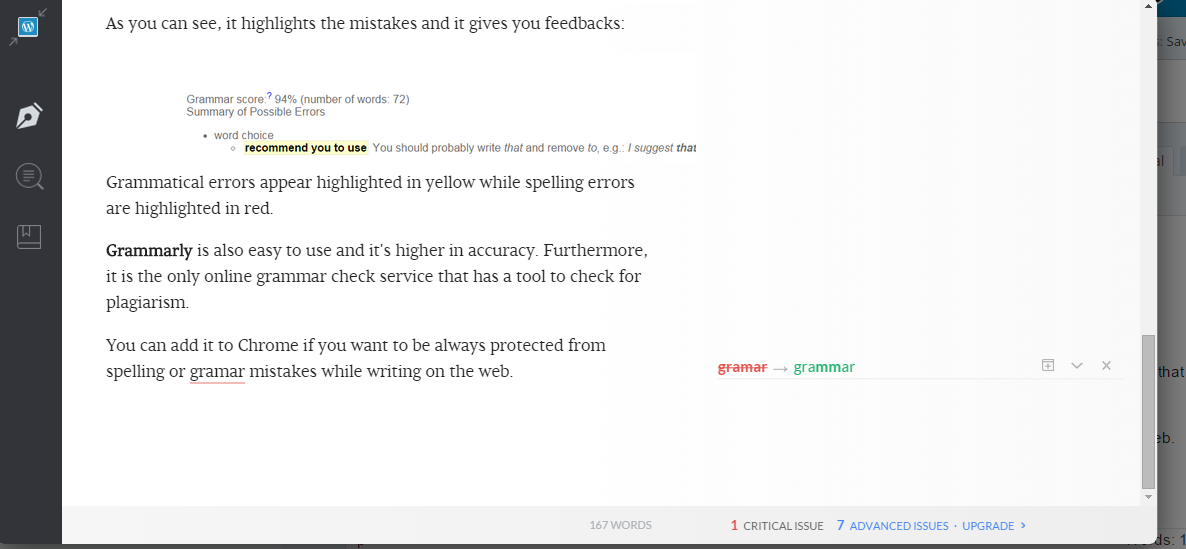
SpellCheckPlus2As you can see, it highlights the mistakes and it gives you feedbacks:

SpellCheckPlus3
Grammatical errors appear highlighted in yellow while spelling errors are highlighted in red.

Grammarly is also easy to use and it’s higher in accuracy. Furthermore, it is the only online grammar check service that has a tool to check for plagiarism.

You can add it to Chrome if you want to be always protected from spelling or grammar mistakes while writing on the web.

It will appear like this while you write (you can see the icon in the right corner):

Grammarly

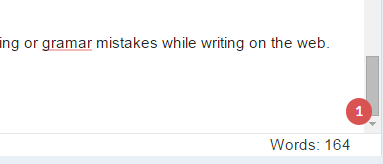
If you make errors, it changes:

grammarly2

By clicking on the icon, this will appear on the screen:

grammarly3

Lingro

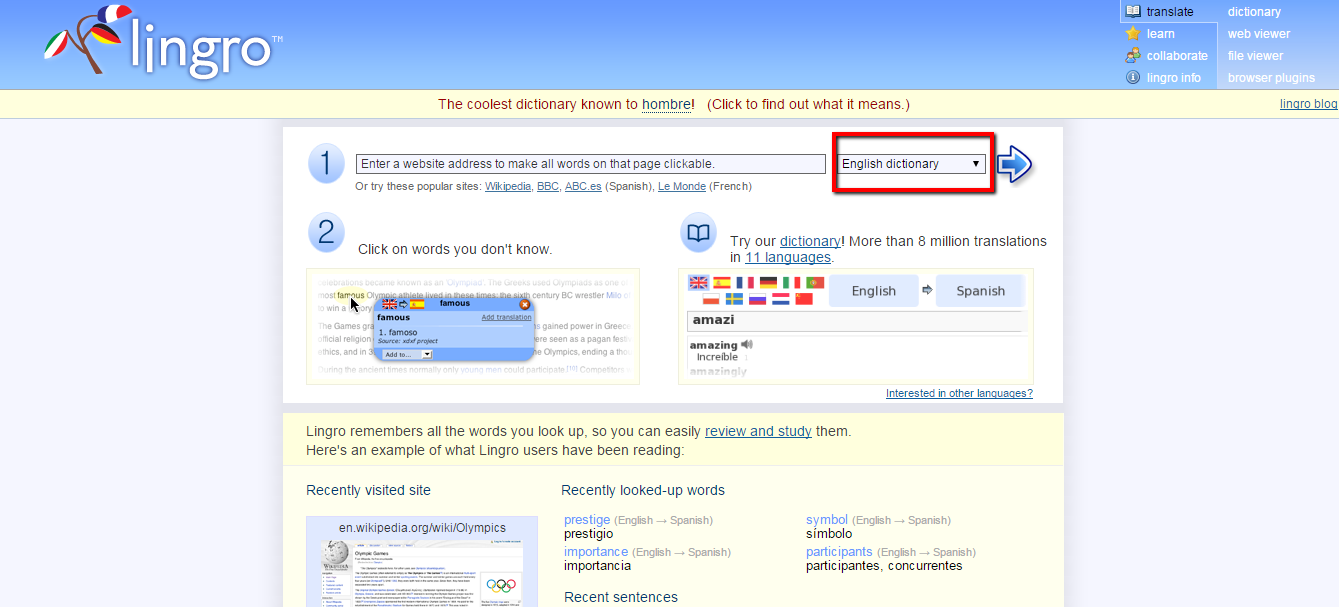
If you are English students and you want to improve your vocabulary/comprehension skills I suggest that you try this website. Lingro is an amazing resource if you want to read a blog, an online newspaper, etc. You just have to write the link of what you want to read (number one in the picture below). You can select a dictionary (as you can see, I marked “English dictionary” with a red rectangle, but it’s not the only one, there are also English-Spanish, Spanish-English, English-French, English-Italian, etc.).
This is the homepage:

lingro_home_pageLink: http://lingro.com/

For example, you want to read an article on the website http://www.nationalgeographic.com/ . Firstly, you have to find an article you like, for instance, I decided to read this one: http://news.nationalgeographic.com/2015/04/150406-california-drought-snowpack-map-water-science/

national_geographic_articleThen, you have to copy the article’s link. Done that, from within the lingro’s website, you can enter the URL.
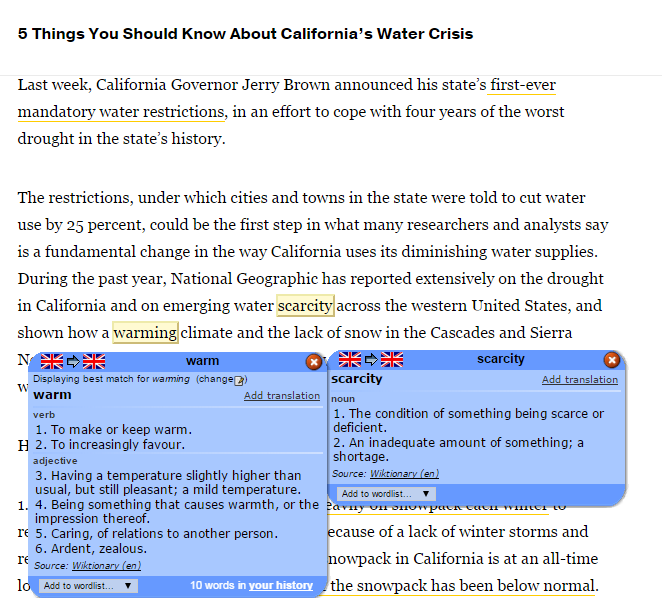
It’ll appear like this:

article_with_lingroYou can notice that I selected (I clicked the left mouse button) “warming” and “scarcity” .
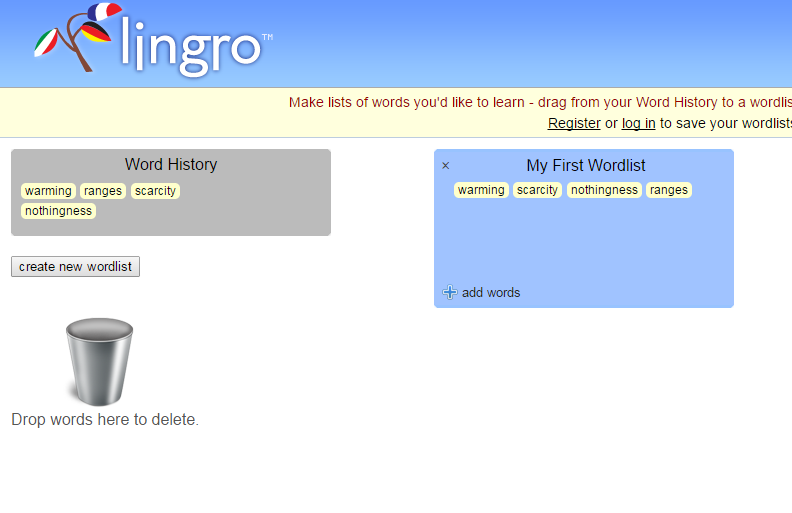
Afterwards, you can study the words you didn’t know. There’s the possibility to create wordlists:

Word_list

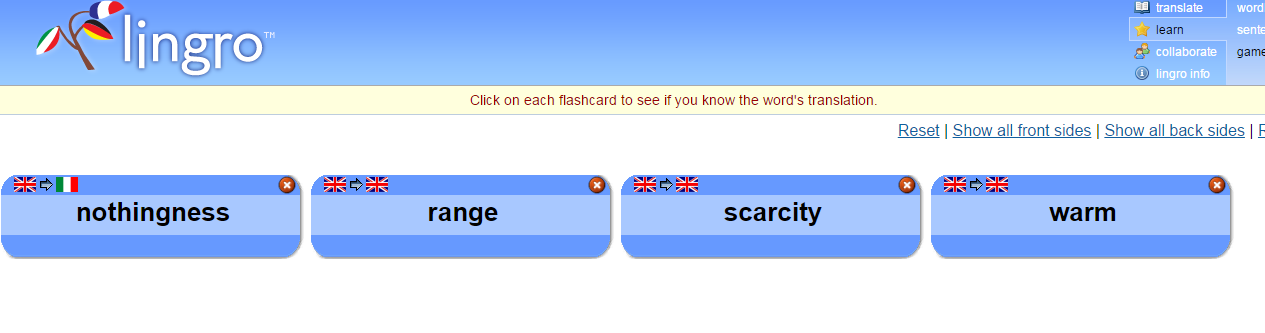
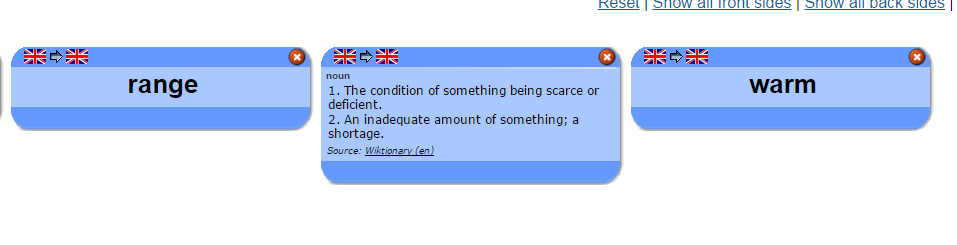
You can also play with flashcards:

flashcards flash_cards flash_cards_2

“News in Levels”

I just came across this website and I think it’s amazing. In “News in Levels” -as the title suggests- you can read leveled news articles. This website’s purpose is to help readers master the English language. Thesame news/story is presented in three levels 1 (the easiest), 2 and 3 and there are different sections: news, sport, nature, history, interesting, funny, information, exercises. An online dictionary assist you if you don’t know the meaning of a word.
You can use “News in Levels” if you want to improve your vocabulary skills, comprehension or fluency.

This is the link: http://www.newsinlevels.com/

We give books

We give books is a website created mostly for kids, nevertheless it gives great resources to adult learners too.
You must register, but it’s free and it’s worth it!
For example, if you are struggling trying to learn weather vocabulary, this book could be helpful:
weather
Changing_climatesWhat's_weather“Weather” by DK Publishing.

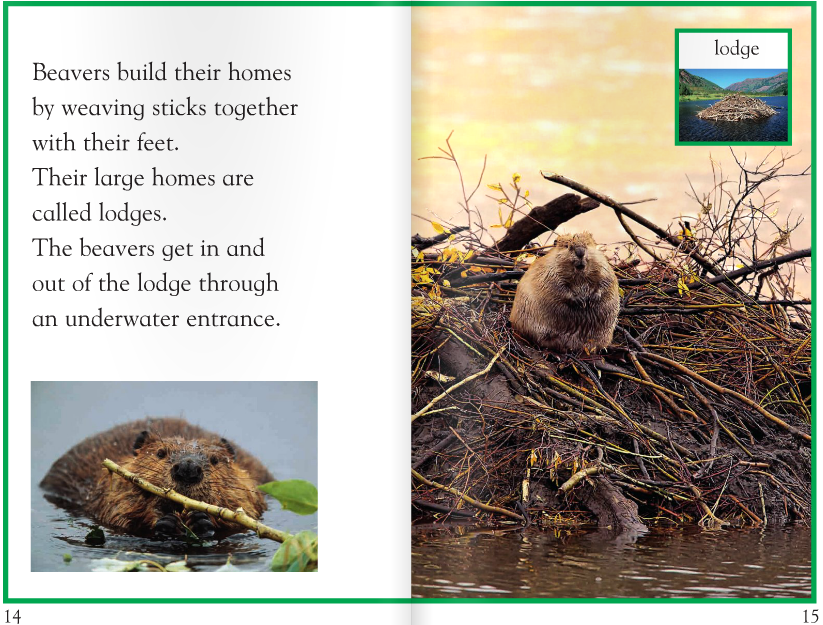
This book could help you learn words about animals and where they live:
Animals_at_homeBeavers“Animals at home” by David Lock, DK Publishing.

This is the website’s link: http://www.wegivebooks.org/

“We give books” supports worldwide charities. You can pick an organization and each time you read a book you will donate to that charity the book you’re reading.